
In this article
Ask the system before changing it
When a site opens in one app but a Terminal lookup shows another address, first record the exact hostname and the tool that produced each answer. “DNS works” is too broad to identify the difference.
For a public example name, these read-only commands examine different things:
dscacheutil -q host -a name example.comdig example.com Adig example.com AAAA
The first command performs a host lookup through macOS’s directory/cache lookup machinery. The other two ask for DNS address records: A for IPv4 and AAAA for IPv6. They do not perform the same test as an app opening a page.
Use the hostname only, without https://, a port number or a URL path. Keep the network and VPN state unchanged while comparing results. Otherwise you may be comparing two configurations as well as two lookup methods.
The local manuals, man dscacheutil and man dig, are useful references for the commands installed on your Mac. A newer online manual can describe options absent from the older bundled version, so verify an unfamiliar flag before relying on it.
What dig actually asks
The BIND dig manual defines the tool around querying DNS name servers. An explicit @server chooses the server to ask; without that argument, its documented default server selection uses /etc/resolv.conf.
That is not a complete representation of every resolution path on macOS. A VPN can introduce domain-specific DNS behavior, the system can resolve local names, and an app can use its own resolver or cache. Reading a server’s answer is valuable, but it establishes only what that server returned for that question.
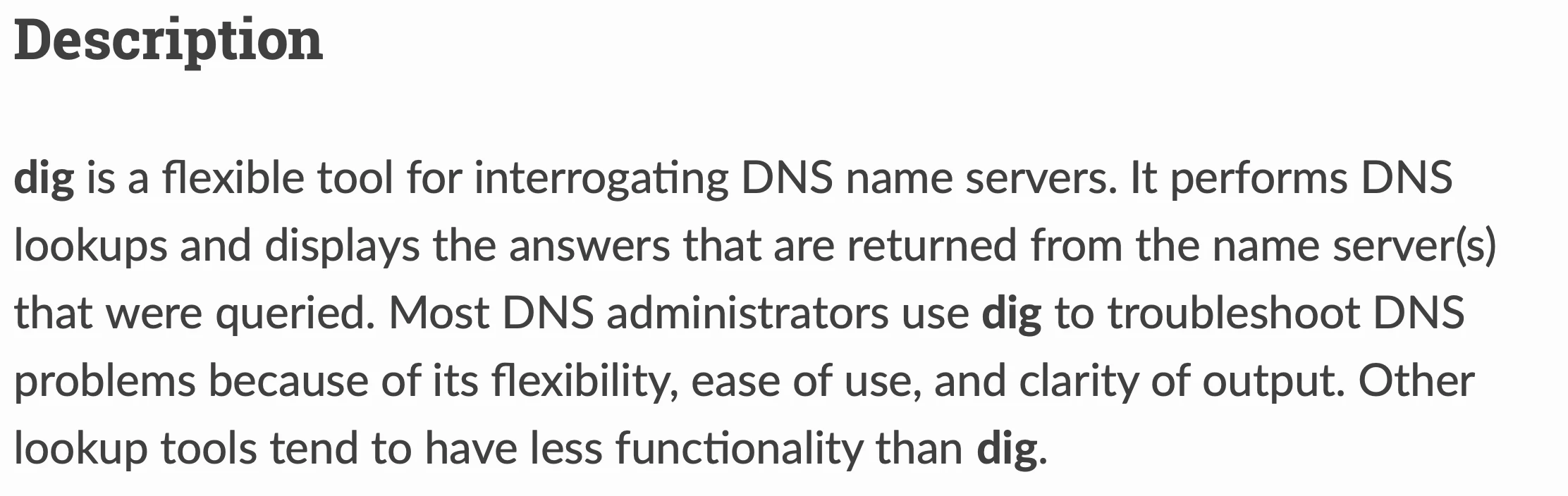
The BIND 9 manual, captured November 15, 2026. Its description identifies the source of dig’s answers: the queried name servers. The online manual version differs from the older dig bundled with our test Mac.
For the system configuration, inspect scutil --dns locally. Multiple resolver sections are not, by themselves, an error. Avoid replacing /etc/resolv.conf or changing every network service just because the first server shown differs from what you expected. The Mac’s resolver(5) manual describes its multi-client DNS configuration.
If the hostname belongs to a work VPN, use the organization’s intended resolver when testing that server. Sending an internal hostname to an unrelated public DNS service is neither a necessary comparison nor proof that the internal service is missing.
A controlled test with two different answers
On November 15, 2026, we tested the distinction on macOS 15.7.5, Apple Silicon, using its bundled dig 9.10.6. We created a temporary DNS responder bound only to 127.0.0.1 on a randomly assigned high port.
The responder was deliberately programmed to answer one localhost IPv4 query with 192.0.2.123, an address reserved for documentation. This was a test answer, not a discovered device or a real address for localhost.
We then compared three lookups:
| Test | Observed answer |
|---|---|
dig explicitly directed to our temporary server and port | 192.0.2.123 |
dscacheutil host lookup for localhost | 127.0.0.1 and ::1 |
Python calling the native getaddrinfo interface for localhost | 127.0.0.1 and ::1 |
The server recorded the incoming DNS question, sent its one reply and closed. We edited no hosts file, changed no DNS setting, flushed no cache and contacted no external DNS server during this experiment.
This demonstrates the difference between explicitly asking a server and using a system lookup. It is not an experiment on a particular hosts-file edit, a browser’s private DNS settings or a corporate VPN. We deliberately made the two sources disagree so the boundary was observable.
Apple’s hostname-resolution documentation identifies getaddrinfo as a POSIX interface for obtaining resolved addresses. That archived developer reference supports the interface distinction; it does not claim that every app uses the same API or cache.
Compare the same name and address family
A mismatch can be ordinary even when both tools are working. One lookup may return IPv4, another may include IPv6, and a service may publish several valid addresses. Compare sets of answers and their record types before treating one IP as the only correct result.
Keep localhost separate from a hostname ending in .local. The first refers to loopback; the second is used in local network naming. The localhost IPv4 and IPv6 guide explains the loopback distinction, while the .local hostname guide covers the naming scope.
Also distinguish a forward lookup from a displayed reverse name. A connection utility may turn an observed numeric address into a hostname for display. That label is not necessarily the name the app originally requested. See why lsof shows hostnames or IP addresses.
Choose the next check from the mismatch
| What you observed | Useful next check |
|---|---|
| System lookup matches the intended local mapping; dig differs | Confirm that you meant to test the system path rather than the DNS server |
| A specific DNS server answers, but system lookup fails | Inspect resolver selection, VPN/domain scope and the exact name |
| System lookup succeeds, but one browser fails | Inspect that browser’s DNS/proxy settings and the full connection error |
| All tools return addresses, but the service will not open | Test the intended service, port and protocol separately |
A resolved address does not prove that a server is listening or that a connection will succeed. A connection refusal or timeout belongs to a later stage of the investigation.
Capture the mismatch before clearing caches. A cache reset may change the symptom while erasing the evidence that would explain it. Once you know which layer disagrees, make a targeted change appropriate to that layer and repeat the same comparison. The useful result is an attributable answer from a known lookup path, not a collection of commands that happen to return an IP.


