
In this article
Both messages can appear while a Mac has working Wi-Fi. They describe the attempted operation, not the health of every connection on the computer. The next useful step is to locate the stage that failed before changing settings.
Start with the error the app actually shows
Copy the complete message, including any number, server name, port and timestamp. If the app has an account or server settings screen, compare its address with the provider’s current instructions. A correct hostname with the wrong port or URL scheme is still a different destination.
For a public service, check its official status page. For a server you run locally, check that the intended service is running and listening where its configuration says it should. “The app is open” and “its server is accepting this connection” are different observations.
A browser opening the provider’s homepage is a useful comparison, but it does not test every API or account endpoint the app uses. Record exactly what worked and what failed rather than writing only “the internet works.”
Avoid changing several variables together. If the address, port, network and app version all change between attempts, the new result will be harder to explain.
Read the message and the stage together
For curl, an exit number is a category, not a complete diagnosis. The official libcurl error reference defines code 7 as failure to connect to the host or proxy, and 28 as an operation timeout.
| Result | What it establishes | What it does not establish |
|---|---|---|
| Connection refused | The attempt was rejected | Which app or network component is responsible |
| curl exit 7 | Connection setup failed | That every exit 7 is specifically a refusal |
| curl exit 28 | A configured timeout condition was reached | That TCP never connected |
| HTTP 404 | An HTTP response reported a missing resource | That the transport connection failed |
A timeout needs context: was the client resolving a name, establishing a connection, negotiating TLS or waiting for response data? The same broad “timed out” wording can hide different stages.
The curl project’s timeout guide distinguishes the connection deadline from the overall transfer deadline. The connection phase includes name resolution and the relevant connection handshakes; an overall deadline can expire later.
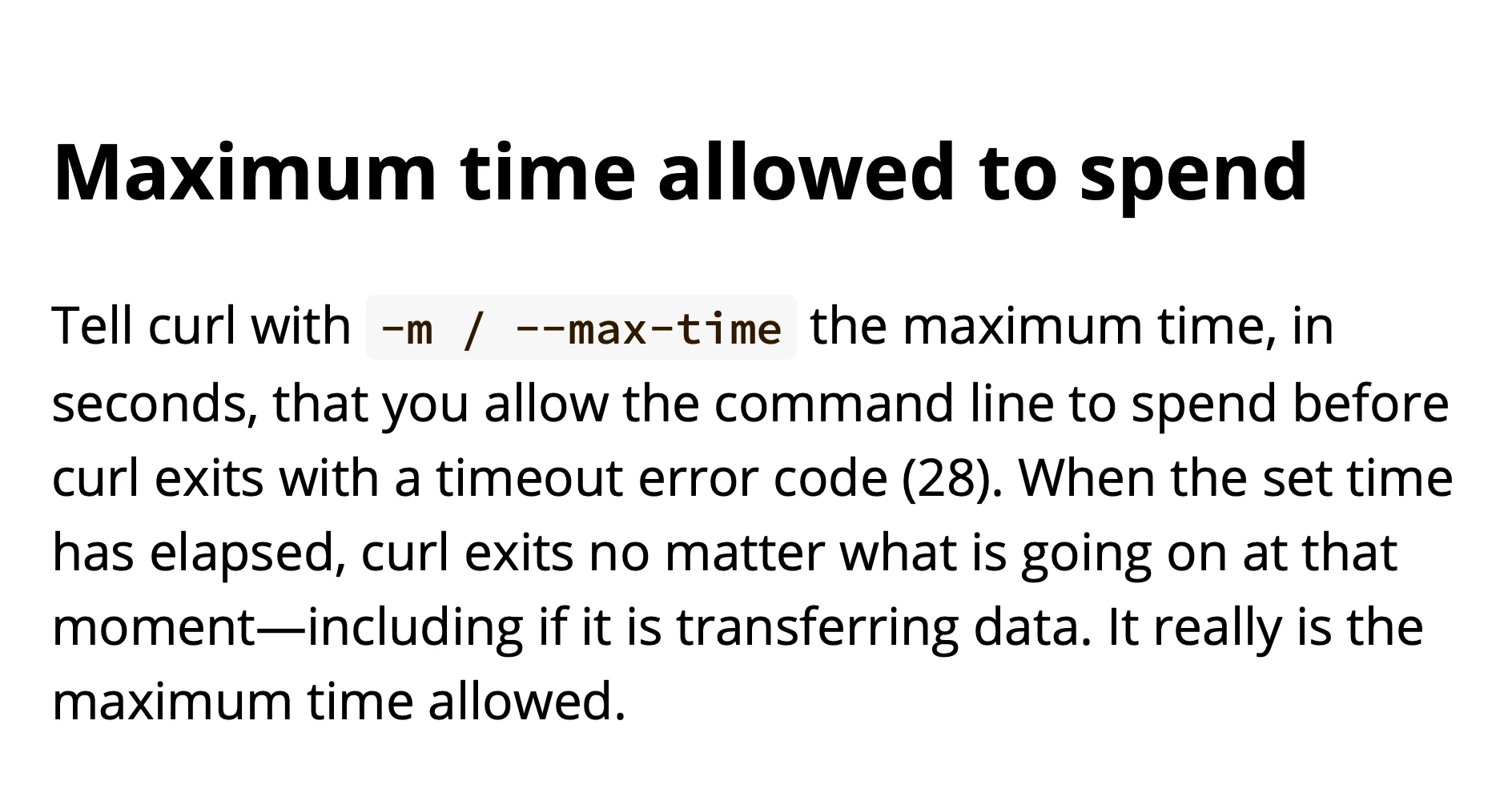
Source: everything curl — Timeouts, captured October 30, 2026. The documentation describes curl options; another app may apply different timeout policies.
A Mac test: timeout after a successful connection
We ran a controlled test on macOS 15.7.5 on October 30, 2026 using the system /usr/bin/curl. All requests stayed on 127.0.0.1, the Mac’s loopback address. No external server, account or network device was probed.
The test supplied three local cases: a port whose temporary socket had been closed, a server that accepted TCP but withheld its HTTP response, and a server that immediately returned HTTP 404. Each request had a one-second connection limit and a one-second total limit.
| Local case | curl exit | TCP connection time | HTTP status |
|---|---|---|---|
| Closed port | 7 | Not completed | No response |
| Accepted TCP, withheld HTTP response | 28 | 0.000188 seconds | No response |
| Returned HTTP 404 | 0 | 0.000314 seconds | 404 |
In the second case, the server accepted the request and deliberately waited. Curl’s total time reached approximately 1.005 seconds, with zero response bytes received. The nonzero connection timing and our server’s accept operation establish that TCP had already connected.
The third case is equally useful: curl completed the transfer despite the HTTP error status. The curl project explains this distinction in its exit-code guide. Without an option such as --fail, an HTTP error response does not necessarily produce a failing curl exit status.
We also retained an initial setup that bound a socket without listening on it. On this Mac, that case timed out rather than giving the closed-port result. We therefore did not use it as proof of refusal. The observed behavior matters more than a label assigned in advance.
These timings illustrate one local experiment. They are not expected latency targets, and they do not diagnose your remote server.
An optional, bounded curl check
For an ordinary HTTP or HTTPS address that you are authorized to test, Terminal can preserve a clearer result than a disappearing app alert. Replace the example URL with the intended address:
/usr/bin/curl --disable --silent --show-error --connect-timeout 5 --max-time 15 --output /dev/null --write-out 'HTTP=%{http_code} connect=%{time_connect} total=%{time_total}\n' 'https://example.com/'
printf 'curl exit=%s\n' "$?"
Run the request, then immediately run the exit-status command; do not run another command between them. This makes one GET request and discards the response body. Use a normal read-only page or documented health endpoint, not an action URL that changes account data.
--disable is placed first to skip curl’s default configuration file. This makes the test more explicit, but also means it may differ from a customized curl setup. It does not reproduce the app’s cookies, authentication, proxy policy or protocol choices.
The five- and fifteen-second limits are diagnostic choices, not recommendations for every service. A deliberately short limit can itself produce a timeout. Preserve the exact command and limits with the result; see the curl manual for their definitions.
Do not add -k to bypass certificate checks or disable a firewall merely to make the test pass. Those changes would remove useful distinctions and alter the environment you are trying to understand.
Turn the result into the next useful question
If the error is refusal, verify the intended service, address and port with its operator. If it is a timeout, ask which stage completed and which deadline expired. If it is an HTTP error, keep the status and troubleshoot the application response.
For a pending TCP handshake, the separate SYN_SENT guide explains that observable socket state. To associate traffic with a process, use the Mac app connection checklist. Neither observation proves the contents of encrypted traffic.
A useful support report includes the exact error, app version, timestamp, destination with secrets removed, timeout settings and one controlled comparison. Keep passwords, tokens and private URL parameters out of shared logs. This gives the operator a reproducible failure to investigate without turning a generic error into an unsupported diagnosis.


