
In this article
If you found a long list in Terminal, avoid treating it as a list of unwanted devices. Interface names are local networking objects, and the number of entries is not a count of nearby computers or active VPN subscriptions.
Start with the connection you recognize
Open System Settings and look for VPN. Check the state of the service you intended to use, then compare it with the provider's own application. Apple's VPN connection guide describes connecting a configured VPN through System Settings.
Write down the specific question before opening Terminal. These are different investigations:
- Is my expected VPN service connected?
- Why are tunnel interfaces listed when I did not connect that service?
- Which interface would an ordinary route lookup choose for a particular destination?
- Is a particular application's traffic covered by my intended VPN policy?
The first question belongs in the service's controls. The others need more context. A terminal line cannot replace the provider's explanation of its supported modes, exceptions, and diagnostics.
On a managed Mac, ask the administrator about configured services before changing anything. This is especially useful when the app you recognize is only the visible part of a broader network configuration.
What the utun name actually establishes
The utun prefix identifies a virtual tunnel interface in Darwin, the operating-system foundation used by macOS. Apple's published XNU utun implementation includes creation of names in the utunN form and communication with user-space software.
That establishes the kind of interface, not a friendly product identity. The suffix in utun4 is not a provider name, a country code, a security rating, or a guarantee that it is the fourth VPN you installed.
Do not label an interface as abandoned merely because its purpose is unfamiliar. Equally, do not assume it is protecting your traffic merely because it exists. Identify the service and the behavior you care about before deciding whether there is a fault.
For a different naming question, see how to find your Mac's Wi-Fi interface. That guide maps a physical network service; it does not turn every numbered interface into a Wi-Fi connection.
Read the list without changing networking
Open Terminal and run ifconfig -l. This lists interface names. It does not bring interfaces up or down.
To inspect a name that actually appeared in that list, use a command such as ifconfig utun0. Substitute the observed name; do not assume every Mac has that exact interface. Avoid publishing the full output unnecessarily, because it can contain addresses and other network details.
The useful observation is initially modest: this interface exists at the time of the check. Flags, addresses, and counters need interpretation in context. An address assigned to a tunnel is not automatically the public address a website sees.
A screenshot of four utun names, by itself, cannot answer whether a specific browser request traveled through any of them. For an app's observed endpoints, finding a Mac app's network connections is a separate task. Endpoint inspection also has its own limits; it is not a complete audit of tunnel coverage.
Our check: four tunnels, different route results
On October 31, 2026, we performed read-only checks on macOS 15.7.5, build 24G624. The interface list contained utun0, utun1, utun2, and utun3.
We then asked the routing table for several destinations. No VPN settings were changed, and these lookups did not send test traffic to the destination addresses.
| Lookup | Interface returned on this Mac |
|---|---|
| IPv4 default route | en0 |
| 1.1.1.1 | en0 |
| 8.8.8.8 | en0 |
| 127.0.0.1 | lo0 |
The commands were route -n get default, route -n get 1.1.1.1, route -n get 8.8.8.8, and route -n get 127.0.0.1. We retained only the target and returned interface for this comparison, not local gateway addresses.
The result demonstrates that tunnel interfaces can coexist with route lookups selecting something else. It does not prove that no VPN-related service was running, identify who created the four tunnels, or establish the path taken by every application.
It also is not a connectivity test. A routing-table answer tells you about route selection at that moment; it does not prove the destination answers, the tunnel is healthy, or the traffic is encrypted.
Why the default route is not the whole answer
A common shortcut says that a default route through en0 means a VPN does nothing, or that a default route through utun means everything is protected. Both conclusions are broader than the evidence.
Apple's includedRoutes documentation describes destination networks whose IPv4 traffic should be sent through a packet tunnel. It also describes using a default route to direct traffic through that tunnel. This is a routing configuration, not something you can infer just by counting interface names.
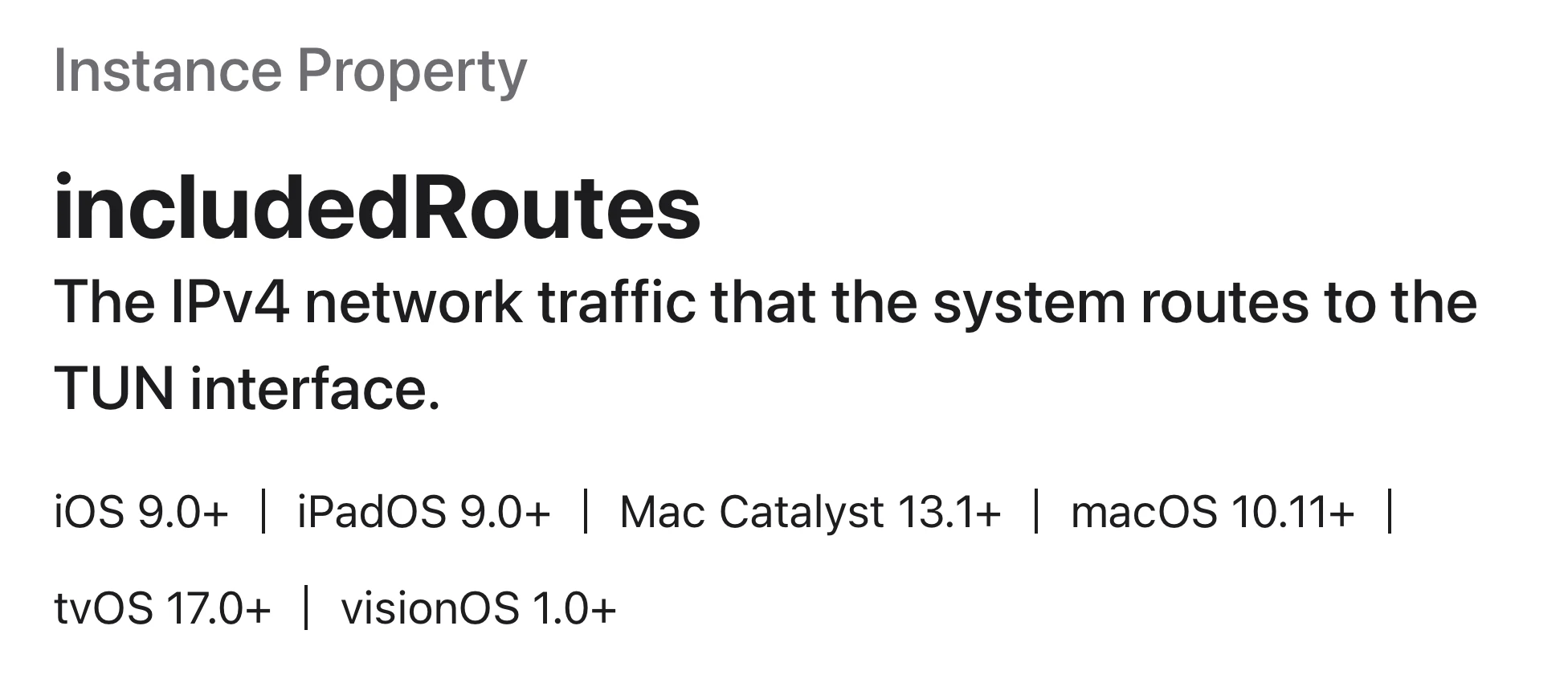
Screenshot: Apple's includedRoutes documentation, captured October 31, 2026. Destination routes help determine what enters a tunnel.
A more specific destination route can matter even when the ordinary default points elsewhere. IPv4 observations also do not establish IPv6 behavior. Per-app policies, proxies, and provider-specific rules require their own checks.
Use a destination lookup as one observation for a focused diagnosis. If the requirement is “this app must use this VPN,” follow the provider's documented verification procedure for that app and mode. Do not turn a route command into a universal privacy guarantee.
Investigate a symptom, not an interface count
If networking works and the only concern is unfamiliar names, record them and establish what services are configured. There is no useful universal target such as “exactly one utun” or “only utun0 through utun3.” Our four-interface observation is a sample, not a healthy baseline for every Mac.
If a known VPN fails, collect the app version, macOS version, connection state, affected destination, and the relevant route result. Explain whether the failure affects one app, one site, or all expected traffic. Those details give support something reproducible to investigate.
Use the provider's documented disconnect or uninstall procedure if you decide to remove its software. Deleting an interface or a networking configuration file because its name looks strange does not establish which component created it or what will recreate it.
Finally, keep transport evidence separate from security claims. Just as port 443 alone does not prove encryption, a utun name alone does not prove that an application's traffic is covered by your intended VPN setup.


