
In this article
Check current activity before chasing an old row
If the concern is “is this app still using the network?”, open Activity Monitor and select Network. Watch the relevant process and the changing activity figures over more than one sample. A cumulative total is different from a current transfer rate.
Apple's Network view guide distinguishes accumulated data and packet totals from per-second throughput. This native view is a useful first check, although the overall graph cannot assign every byte to a particular connection.
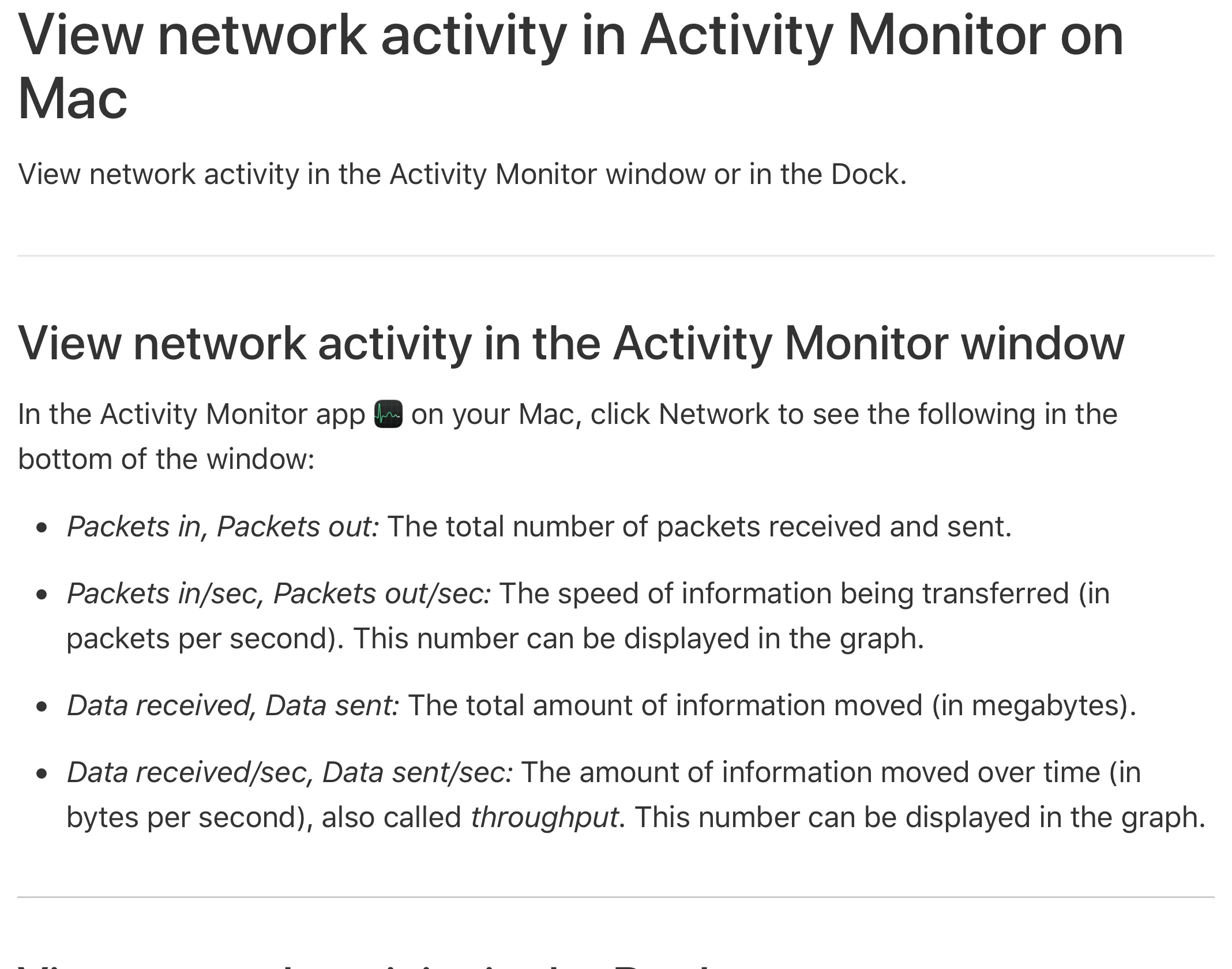
Apple's Activity Monitor Network guide, captured October 22, 2026. Totals and rates answer different questions.
If you already have a Terminal row marked TIME_WAIT, preserve the row and the time you observed it. Do not kill an unrelated process simply because it uses the same port number. For the broader process-to-connection workflow, see how to inspect a Mac app's network connections.
TIME_WAIT belongs to the TCP shutdown sequence
TCP closes a conversation through a sequence of messages between its endpoints. After an orderly close, an endpoint can retain state temporarily instead of immediately forgetting the connection. The TCP specification, RFC 9293, describes this TIME-WAIT period and how the protocol handles delayed closing traffic.
The spelling varies: the standard uses TIME-WAIT, while macOS netstat prints TIME_WAIT. They refer to the same TCP state.
| State | What it tells you | What it does not prove |
|---|---|---|
| ESTABLISHED | A TCP connection is established | That application data is moving at this instant |
| CLOSE_WAIT | The peer has closed its side; local closure is still pending | That the local app is malicious |
| TIME_WAIT | TCP is retaining state after closure | That the original app still has an open socket |
| LISTEN | A socket is waiting for incoming connections | That somebody has connected to it |
These are state labels, not verdicts about an app. If the row actually says CLOSE_WAIT, use the separate Mac CLOSE_WAIT guide: that is a different stage and a different investigation.
Our Mac test: a row remained after every socket closed
On October 22, 2026, we ran a small Python test on macOS 15.7.5, build 24G624. It created a TCP listener and one client connection entirely on 127.0.0.1, the local loopback address. No traffic went to another device or an internet service.
Before closure, netstat showed a listener on port 60575 and both sides of the connection between ports 60575 and 60576. A process-scoped lsof query also showed those three sockets under test process 96273.
The client then initiated an orderly close. The script completed both sides of the shutdown and closed the accepted socket, client socket, and listener. About 0.2 seconds later, the observations differed:
| Tool and scope | Before socket closure | After all test sockets closed |
|---|---|---|
| netstat, filtered to the test endpoint pair | LISTEN and two ESTABLISHED rows | One TIME_WAIT row |
| lsof, TCP sockets for the test PID only | Three open sockets | No matching rows; exit status 1 |
The retained netstat row ran from 127.0.0.1:60576 to 127.0.0.1:60575. The Python process was still alive while collecting the second observation, but it no longer held any TCP sockets.
This demonstrated a narrow point: a TCP record can outlive the application's open socket. It did not measure a universal expiry time, test a third-party app, or prove that every empty lsof result has the same cause.
Why netstat and lsof can disagree
The tools answer related but different questions. netstat exposes network state; lsof lists files, including sockets, that processes have open.
The upstream lsof FAQ explains that a port reported by netstat may have no associated open file for lsof to find. It also notes that the tools can obtain their information from different sources. Our local test reproduced that distinction with known endpoints and a known process.
For a read-only inspection of TCP states on your Mac, Terminal supports:
netstat -an -p tcp
The -n option keeps addresses and ports numeric. Read the Local Address, Foreign Address, and state together. A port alone is not a unique connection: include both addresses and both ports when comparing observations.
For a process you have independently identified, this pattern restricts lsof to its TCP sockets:
lsof -nP -a -p PID -iTCP
Replace PID with that process's numeric ID; it is a placeholder, not a literal command argument to keep. The -a combines the process and network selections. Empty output can also reflect selection, timing, or access limitations, so it is not a general certificate of inactivity.
These TCP checks do not cover every form of communication. For example, Unix-domain sockets are local IPC, rather than TCP connections to an internet address.
What deserves further investigation
If the app works normally and the only concern is a TIME_WAIT label, observe the same endpoint pair again before changing anything. Do not treat a different new row as evidence that the old connection never closed.
If you also have failed connections, a repeated application error, or continuing traffic from an unexpected process, save that evidence separately. Record the macOS version, process identity, exact error, endpoint pair, and timestamps. Those details are more useful than a single count of TIME_WAIT rows.
Avoid changing system TCP timers or repeatedly force-quitting apps just to clear the display. A retained connection record and an active transfer are different observations; identify which one is causing the actual problem first.


