
In this article
The word “socket” alone does not identify a remote server. Apps use sockets for several kinds of communication, including exchanges between components on the same computer. Seeing one in an open-files report is a reason to read the type column, not proof that data left the Mac.
Start with one process and two separate views
Find the process in Activity Monitor and note its PID. Apple’s process information guide explains how to inspect a selected process. If several rows share an app’s name, identify the relevant component first; our multiple-process guide covers that distinction.
In Terminal, replace 12345 below with that PID. Run each command separately:
lsof -nP -a -p 12345 -U
lsof -nP -a -p 12345 -i
The first asks for Unix-domain sockets belonging to that process. The second asks for its IP sockets. In the upstream lsof manual, -a combines the selection conditions with AND; it matters because simply listing different selectors can otherwise broaden the results. -nP keeps addresses and ports numeric.
These are read-only observations. A process can exit or receive a different PID after a relaunch, so recheck the number if the result surprises you. Empty output can reflect timing, access limitations, or no matching entries. Do not turn one empty snapshot into a claim about everything the app has ever done.
Read the family before interpreting the destination
| Type in the report | What it describes | What it does not establish |
|---|---|---|
unix | A Unix-domain socket used for local communication | A connection to a website or public IP address |
IPv4 or IPv6 | A socket using an IP address family | That the peer is necessarily on the public internet |
PIPE | A pipe used for local communication | An IP connection |
Apple’s archived socket(2) manual distinguishes the local communication domain from the internet domain. The distinction concerns the communication mechanism. It does not decide whether the software is trustworthy.
An IP socket can also refer to this Mac or to a device on the local network. After separating the families, inspect the addresses, ports, and state. Our Mac app network connections guide covers that next step. Keep those questions separate from the initial “is this even an IP socket?” check.
Some Unix sockets have filesystem paths, while others appear as endpoint identifiers without a readable filename. A path identifies a local endpoint; it is not a remote URL. A hex-looking identifier is not enough to identify a public internet destination either. The upstream lsof tutorial gives separate Unix and IP selection examples.
A local exchange with no IP socket
We tested this directly on macOS 15.7.5 on October 20, 2026. A disposable Python process created a connected Unix socket pair using socket.socketpair(). We inspected only that process, sent a 20-byte test message through the pair, and read the same message from its other end. Then we closed both endpoints and inspected it again.
| Step in our test | Unix socket rows | IP socket rows | Observation |
|---|---|---|---|
| Pair open | 2 | 0 | Two local endpoints belonged to the process. |
| Test message sent and received | 2 endpoints remained open | No IP socket was needed | All 20 bytes arrived through the pair. |
| Both endpoints closed | 0 | Not needed for this check | The Unix entries disappeared. |
This small experiment establishes that useful communication can occur through Unix sockets without an IP connection. It does not reproduce every application’s design. Both ends belonged to one test process; real software can use local sockets between separate processes.
The row count also has a narrow meaning: our two rows represented two open descriptors in one process, not two remote devices. Counting socket rows is therefore a poor substitute for identifying endpoints and owners.
A GUI can help, but keep the categories separate
If you prefer a graphical open-files inspector, the Sloth developer’s page explicitly lists Unix-domain sockets separately from IP sockets and pipes. That makes it a useful illustration of the categories. The built-in commands above are sufficient for this check; installing another app is optional.
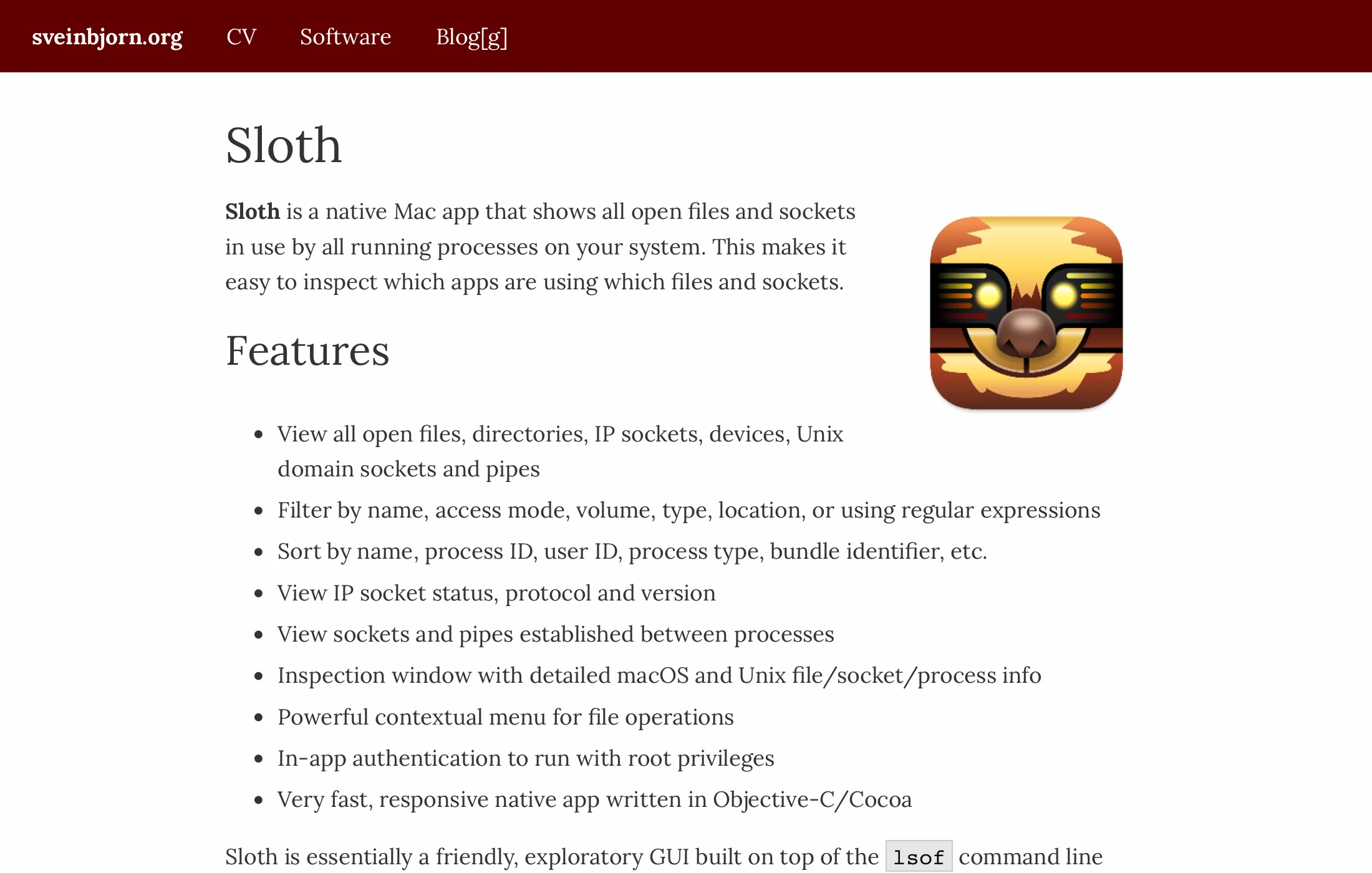
The Sloth project’s official page, captured October 20, 2026. This screenshot documents the tool’s resource categories; it does not show activity from your Mac.
Do not equate “open files” with ordinary documents. Unix inspection tools often present sockets and pipes alongside files because they are open resources associated with processes. Look at the type and owning process before deciding what an entry means.
What a local socket cannot tell you
A local endpoint does not prove the whole application stays offline. One component could talk locally to another component that separately opens an IP connection. To investigate that possibility, follow the process relationship and inspect the other component’s IP activity too. A single local row cannot demonstrate that such forwarding happened; it only leaves the question open.
Likewise, local does not mean harmless. A suspicious application can use local communication, and a trusted one can contact external services. Assess the application’s origin and behavior rather than treating a socket family as a verdict.
Do not delete a socket path merely because it appears in a report. Removing an endpoint can interfere with software using it, and deleting it does not provide a reliable network control. If you are troubleshooting an unwanted process, identify its app and use the app’s normal quit or uninstall procedure.
Before drawing a conclusion, record the PID, socket type, relevant endpoint, and time. Repeat the observation during the specific action you care about. That produces a useful answer—what this process had open at that moment—without inventing a history or an internet destination from the word “socket.”


