
In this article
Read the link before measuring the destination
Replace the sample path with the link you want to inspect. These commands read information without changing the link:
ls -ld "/path/to/link"readlink "/path/to/link"stat -f '%HT %z' "/path/to/link"
In a long ls listing, the leading l identifies a symbolic link. The text after -> is its stored destination. With this form of the command, the size column describes the link itself.
The -d option keeps a directory argument from turning the result into a listing of its contents. That becomes particularly useful when comparing a link to a directory.
| Question | Read-only check | Main limit |
|---|---|---|
| What destination text is stored? | readlink | Does not prove the destination exists |
| How many bytes belong to the link? | stat -f '%z' | Not the target’s content size |
| What type and size are followed? | stat -L -f '%HT %z' | A broken link can trigger fallback |
| How much disk space is allocated? | A separate storage investigation | Logical size is not physical allocation |
Apple’s archived aliases and symbolic links guide describes symbolic links as path-based references. The POSIX definition of the stat structure specifies the symbolic-link size as the length, in bytes, of the stored pathname.
Two routes to one file can have different sizes
Suppose a link stores sample.txt. That ASCII destination occupies ten bytes. Another link stores ./sample.txt, which occupies twelve. If the links are in the same directory as the file, both routes can reach the same contents.
The extra two bytes belong to the written route. They do not represent an additional copy of the target or a larger version of it.
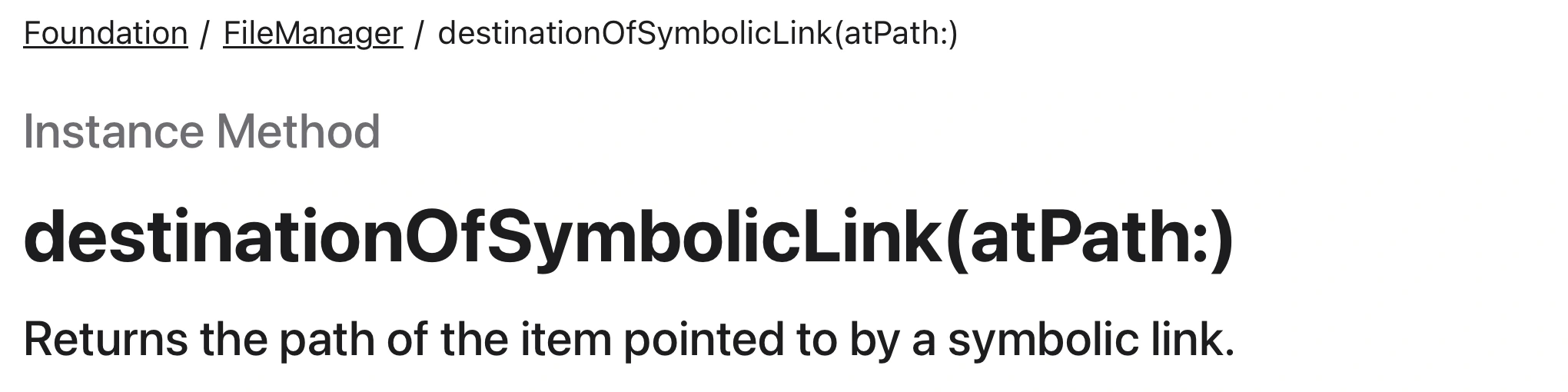
Screenshot: Apple’s Foundation documentation, captured November 21, 2026. The method returns a destination path; that path is distinct from the target’s contents.
Count bytes rather than visible characters. In our test, a destination stored as café.txt occupied nine UTF-8 bytes despite displaying eight characters. A visually similar name can use a different Unicode representation, so do not estimate an actual link’s size by counting letters on screen.
This also differs from a Finder alias. Finder’s arrow badge is not a sufficient basis for assuming every reference uses Unix symlink semantics. Our alias and original-file guide covers that separate reference type.
A controlled comparison on a Mac
On November 21, 2026, we created disposable files and symlinks on macOS 15.7.5. We compared the installed ls and stat commands with filesystem metadata read by the test script.
Initially, sample.txt contained four bytes. We created two links in its directory, then enlarged the target to 1,000 bytes without changing either link.
| State | Stored destination | Link bytes | Followed target bytes |
|---|---|---|---|
| Initial target | sample.txt | 10 | 4 |
| Initial target | ./sample.txt | 12 | 4 |
| Target enlarged | sample.txt | 10 | 1,000 |
| Target enlarged | ./sample.txt | 12 | 1,000 |
The target grew while both link sizes stayed fixed. The link stores a route; it does not absorb the bytes later written through that route.
We also created the separate café.txt target. Its link measured nine bytes while the target contained six bytes. These observations concern logical sizes in one local test. They do not measure APFS allocation, cloud synchronization behavior or the space a cleanup operation would recover.
Do not trust a bare stat -L number
Next, we renamed sample.txt without updating its two links. Their destination text still pointed to the old filename.
On the tested Mac, stat -L -f '%z' returned 10 for the first broken link and 12 for the second, both with exit status zero. Those were the link sizes again. They were not measurements of a target that had shrunk.
The installed man stat explicitly documents this behavior: when following a link fails because it is broken or its target does not exist, the command falls back to information about the link. Apple’s open-source stat command manual describes the same fallback.
Include the object type when interpreting the number: stat -L -f '%HT %z' "/path/to/link". If the result identifies a symbolic link, do not record that number as the size of a successfully followed regular file.
Investigate the destination and containing directories when the result is unexpected. A missing mounted volume, access restriction or changed path deserves its own check. Our relative symlink troubleshooting guide explains where a relative destination starts; this size test does not replace that path diagnosis.
Keep logical size separate from cleanup decisions
Even a successfully followed target size is not a promise of recoverable disk space. A target can be sparse, share storage through filesystem mechanisms, or remain referenced elsewhere. APFS clones illustrate why adding logical file sizes can overstate physical storage.
A link to a directory adds another distinction: the directory’s own metadata size is not a recursive total of its children. Do not label a small directory result as the total size of an application’s data.
Before recording a size, identify the reference type, read its destination, include the followed object type and state whether you mean logical bytes or allocated storage. Keep the link’s size in a separate column from the target’s size. That preserves the useful evidence without turning a ten-byte pathname into a misleading storage estimate.


