
In this article
The address tells you something about one interface. It does not, by itself, tell you whether Wi-Fi, Ethernet, IPv6, your router, or your internet provider is working. Check the service and the task that actually fails before changing settings across the Mac.
Start with the selected network service
In System Settings → Network, select the connection you are investigating. For the selected service, open Details → TCP/IP. Note the service name, its IPv4 address, the Configure IPv4 setting, and any router information shown. A Wi-Fi service and a USB Ethernet adapter can have different addresses and different roles.
If this is the service that should receive an address automatically, Apple’s instructions are to click Renew DHCP Lease, then OK. Renewing is a targeted attempt to obtain or refresh a DHCP assignment; it is not a promise that the DHCP server, cable, or wireless network will respond.
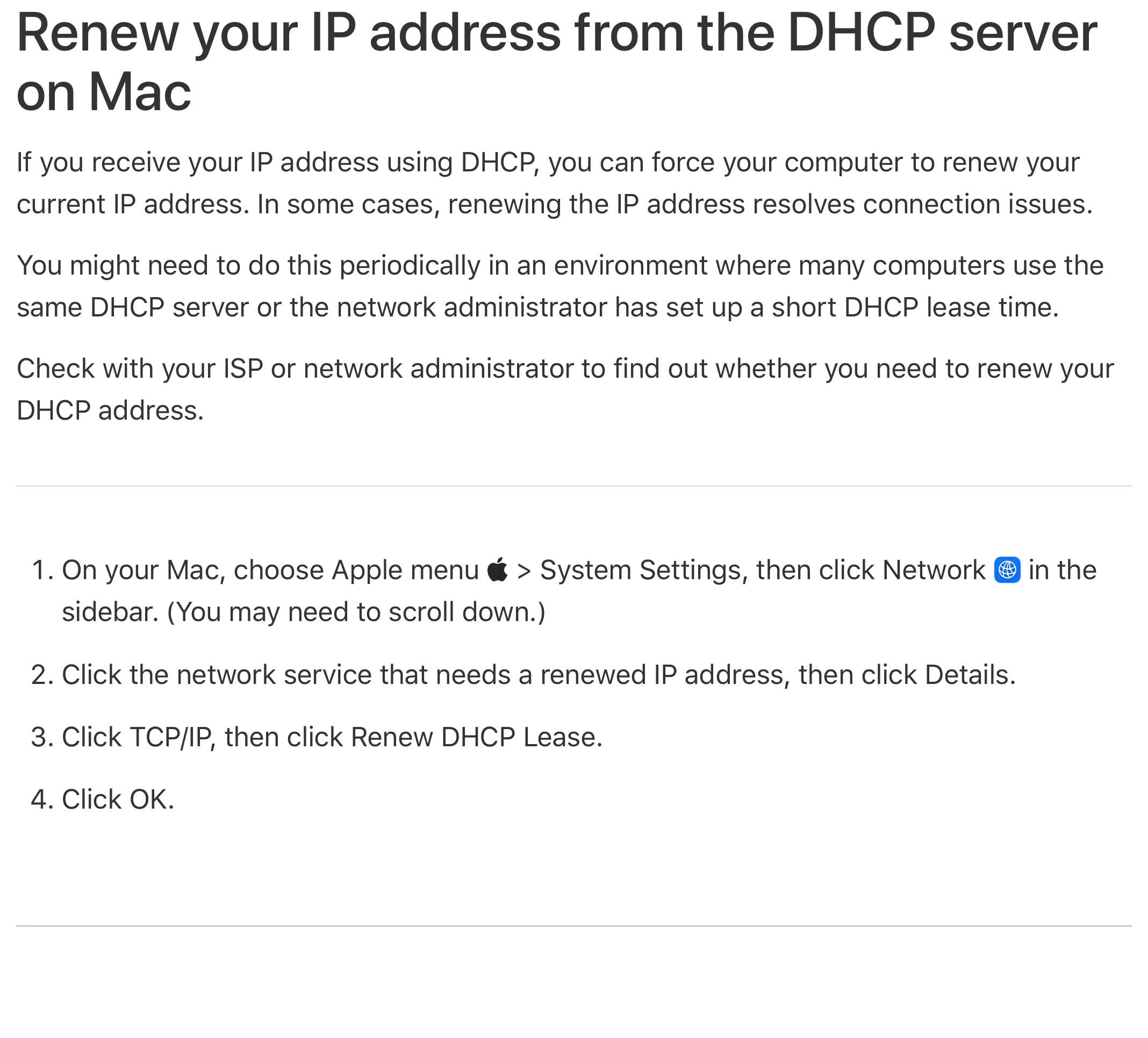
Apple Support’s Renew your IP address from the DHCP server on Mac, captured October 23, 2026. The screenshot documents the native procedure; it does not depict a tested network failure or recovery.
If Configure IPv4 is manual, or your workplace supplies a specific configuration, establish what that service is supposed to use before changing it. Apple’s TCP/IP settings reference distinguishes automatic, manual, and link-local configuration. Copying an address from another computer is not a substitute for knowing the network’s configuration.
What the address proves—and what it does not
The IANA IPv4 Special-Purpose Address Registry identifies 169.254.0.0/16 as Link Local. Seeing 169.254 at the start of an IPv4 address therefore identifies that address range. It is not a public internet address.
RFC 3927, which defines automatic IPv4 link-local configuration, explains the important boundary: communication can occur on the same link, but routers must not forward packets with an IPv4 link-local source or destination. A local printer or other peer may therefore remain reachable even when this address cannot carry traffic beyond that link. Communication is not restricted to peers that also happen to have a 169.254 address.
Section 3.3 also considers a computer with multiple interfaces. One interface can have a link-local address while another has a routable address. That is why “my Ethernet adapter has 169.254” and “my Mac has working internet over Wi-Fi” can both be true.
When DHCP was expected, a self-assigned address is a useful clue that the intended assignment has not happened. The address alone does not identify the cause. Nor does it show that every interface or every IP protocol on the computer is unavailable.
Compare these three situations before fixing anything
This worksheet is an authored comparison of possible configurations, grounded in the link-local and multiple-interface behavior above. The cases are illustrative, not measurements from an outage reproduced for this article.
| Situation | What to verify | Proportionate next step |
|---|---|---|
| The intended internet connection has 169.254 and its IPv4 traffic fails | Whether that service should use DHCP and whether it is connected to the intended network | Renew that service’s lease, then investigate its network path if the assignment still fails |
| Ethernet has 169.254 but Wi-Fi internet works | Whether Ethernet is needed for the task that fails | Troubleshoot Ethernet for that task; preserve the working Wi-Fi configuration |
| An isolated link uses local addressing for a device | The device’s documented connection method and required settings | Follow that device’s setup instructions; internet access may not be the purpose of this link |
For each case, write down one concrete task: opening a website, reaching a local device, or accessing a particular server. “Network broken” is too broad to tell whether the next step helped. Recheck the same task after making one change.
If the expected DHCP assignment still fails
Confirm that you selected the correct Wi-Fi network or Ethernet service. For a wired service, check the physical connection, adapter, and intended network port. For wireless connectivity, distinguish joining a Wi-Fi network from successfully reaching an internet destination.
Compare with a known-working connection when one is available. If other devices also fail on the same network, that is different evidence from one Mac failing while the others work. Keep any router restart or network-wide change within the access you control; on a managed network, pass the service details to the administrator instead.
Apple’s broader Wi-Fi troubleshooting guide covers checking other networks, network conditions, and software that can affect connectivity. Use those checks according to the symptom. A 169.254 observation alone is not a reason to delete network preference files, disable unrelated privacy settings, or reset every service.
After a DHCP renewal, record whether the address changed and whether the original task recovered. These are two separate outcomes. An address change without a successful task test is not a completed diagnosis, and a working task over another interface does not prove the affected service was repaired.
Local discovery is a separate question
A device list adds another layer of evidence, but it does not replace the address and service check. The absence of a device from a local discovery view does not establish that it is disconnected. Our guide to why ARP misses local devices explains why a neighbor cache cannot serve as a complete network inventory.
If the confusing address starts with fe80:: instead, that is IPv6 link-local syntax, not the IPv4 range discussed here. See what fe80:: and %en0 mean on a Mac before applying an IPv4 DHCP diagnosis to it.
Finally, a router label or changed hardware address is a different observation again. Private Wi-Fi addresses and unfamiliar router entries can explain that naming problem without treating it as a failed IP assignment.
Before escalating a persistent issue, collect the selected service name, automatic or manual configuration, address before and after renewal, whether another interface works, and the exact failing task. That small record is more useful than a screenshot of 169.254 with no indication of which connection it belongs to.


