
In this article
The suffix matters when a Mac has several network interfaces. A local address without its link context can be ambiguous. But neither the prefix nor the suffix identifies a person, proves a connection is safe, or tells you how many physical devices are nearby.
Inspect before changing IPv6 settings
Apple’s IPv6 guide for Mac says IPv6 is configured automatically by default and that those settings suit most computers. The TCP/IP panel is a useful starting point for checking the selected network service. Do not switch it to a manual configuration merely because you saw an unfamiliar address.
If your internet connection works and your question is simply what fe80:: means, no repair follows from that prefix alone. If connectivity is failing, record the actual symptom separately: one app fails, one website fails, or every connection fails. An address classification cannot replace that diagnosis.
A network-settings panel also need not show every address associated with every interface. To inspect the interface named in a diagnostic entry, use a read-only Terminal command:
ifconfig en0
Use en0 only if that is the interface in your entry. For a list of hardware ports and their device names, networksetup -listallhardwareports helps map labels such as Wi-Fi to interface names. Do not assume en0 always means Wi-Fi on every Mac.
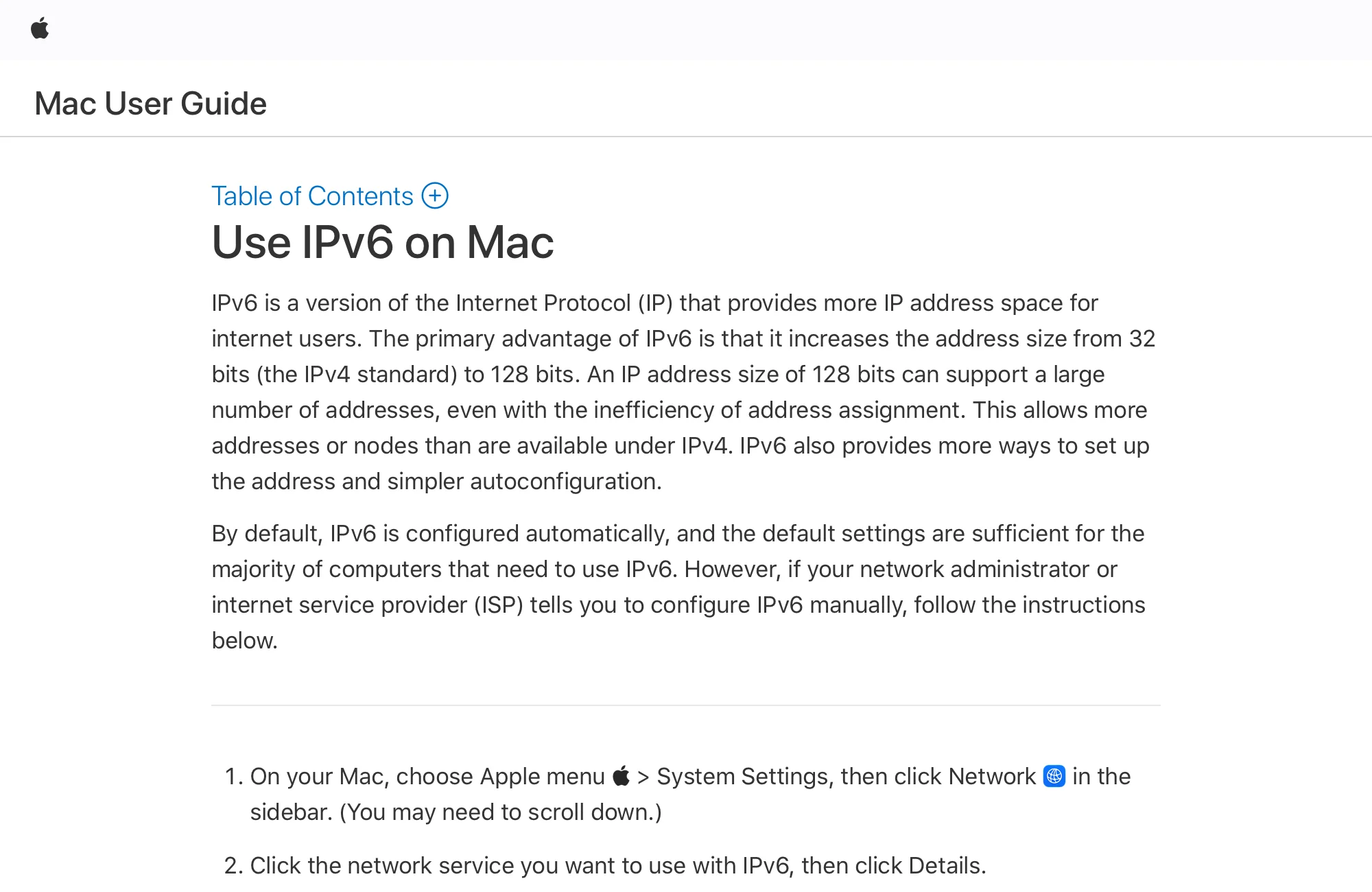
Apple recommends automatic IPv6 configuration for most computers. Source: Apple Support, captured October 19, 2026. This is documentation, not a capture of our test Mac’s settings.
Read the address in three parts
Consider this illustrative address, not an address discovered on your network:
fe80::1234:5678:abcd:ef01%en0
| Part | Meaning | What it does not tell you |
|---|---|---|
fe80::… | An IPv6 address in the link-local range | That the internet connection is broken |
| The remaining address bits | The rest of the IPv6 address | A dependable device brand or owner |
%en0 | The local zone/interface context | A port number or a second IP address |
RFC 4291 defines link-local IPv6 unicast addresses and says routers must not forward packets with a link-local source or destination to other links. The range is identified as fe80::/10. This is a scope rule, not a statement about whether the device also has other addresses.
RFC 4007 describes the percent-sign notation for a zone identifier. That identifier is local to the system using it. Another computer can name its interface differently even when it is connected to the same network.
This is why copying a diagnostic address to another machine can require changing the interface context. Keep the address and zone together in your own notes, and do not assume a missing suffix is harmless in every tool. Some tools already know the interface from other context.
Several addresses can belong to one Mac
On October 19, 2026, we inspected interface output on macOS 15.7.5, without changing network settings or scanning other devices. Our en0 interface showed one link-local IPv6 address and three additional IPv6 addresses. One of those additional entries had the temporary flag.
The same Mac also showed link-local entries associated with other interfaces. We retained the interface names and flags in the research record and removed address identifiers for privacy.
| Observed on this Mac | Narrow conclusion |
|---|---|
Four IPv6 address rows under en0 | One interface can have several addresses |
| Link-local addresses under several interface names | The interface context is part of interpreting each entry |
A temporary flag on one additional address | A displayed address is not automatically a permanent identity |
This single-machine observation does not establish what your Mac should display. It does rule out a common counting shortcut: four address rows are not necessarily four physical devices.
Likewise, a device name ending in .local is a different kind of identifier. Our local hostname guide explains that distinction. A name, an IPv4 address and an IPv6 address can be clues about the same device rather than three separate devices.
A link-local gateway can be normal
Seeing a router or default-gateway address beginning with fe80:: is not, by itself, a misconfiguration. Your Mac reaches that router on the local link; the router can then forward traffic whose destination has wider scope.
Cisco’s link-local address explanation describes link-local addresses in IPv6 routing and neighbor communication. Distinguish the next-hop router’s address from the packet’s ultimate destination. The rule preventing a link-local destination from being routed across links does not mean that a router with a link-local next-hop address cannot provide internet access.
Nor is “local” a security verdict. Another participant on the same link can still be unfamiliar. Conversely, a normal local service is not evidence of an upload to a distant server. To investigate an app, identify its actual process and network endpoints, then interpret each endpoint in context.
Keep a useful record of an unfamiliar entry
Record the full address, its interface or zone, the tool that showed it, the time and the associated process or device label if one is available. Then ask what the observation actually represents: an address assigned to your Mac, a router used as a next hop, or an endpoint in an app’s connection list.
Do not turn an interface listing into a network inventory. It describes local interfaces. A discovery tool has its own visibility limits, just as an ARP table is not a complete list of devices.
VaultDog’s visible local-device records can add available discovery metadata to an investigation. Its active discovery pass is limited to the current private IPv4 /24; it is not a comprehensive IPv6 scan. An unfamiliar address alone cannot determine whether a device is trusted. Preserve the link context first; decide what to investigate from the behavior you actually observed.


