
In this article
Metadata embedded inside the file’s bytes is included in its content hash. Two copies can produce the same digest while Finder shows different information or one copy behaves differently. The hash comparison can be correct and still answer only part of your question.
Compare the file bytes first
Open Terminal and run:
shasum -a 256 "/path/to/first-file" "/path/to/second-file"
Replace both quoted paths with real files. You can also drag each file from Finder into Terminal after typing the command. Keep each path as a separate argument.
The upstream shasum documentation documents the algorithm option and file inputs. -a 256 selects SHA-256; without that option, the default algorithm is different. Compare the digest at the beginning of each output line, not the entire line: the printed filenames will naturally differ.
For ordinary files, equal SHA-256 values provide strong practical evidence that the bytes read matched. If you want a direct byte comparison, cmp "/path/to/first-file" "/path/to/second-file" compares the inputs themselves. No output with a successful exit status means that comparison found no differing bytes. A read error is not an equality result.
Neither operation is a complete comparison of two filesystem objects. Keep reading if the actual problem concerns an app's access to the file, a label, or information lost during copying.
“Metadata” can live in different places
The important distinction is where the information is stored, not whether people call it metadata.
| Information being compared | Included by hashing the ordinary file data? | Separate inspection |
|---|---|---|
| File name or containing folder | No | Finder or the full path |
| BSD permission mode | No | ls -l |
| Modification timestamp | No | Finder Get Info or stat |
| A custom extended attribute | No | xattr -l |
| Metadata embedded inside the file's bytes | Yes, those bytes are input | A reader for that file format |
For example, changing a metadata field embedded in a document can change its content hash because the edit changes bytes inside the document. Adding a filesystem attribute alongside those bytes is a different operation. Do not generalize “metadata never affects hashes” from one kind of metadata.
Apple's File System Programming Guide describes filesystem permissions and access-control lists. Apple's File Provider documentation separately discusses extended attributes as item metadata, with specific synchronization rules. Neither makes an ordinary content digest a complete backup-verification method.
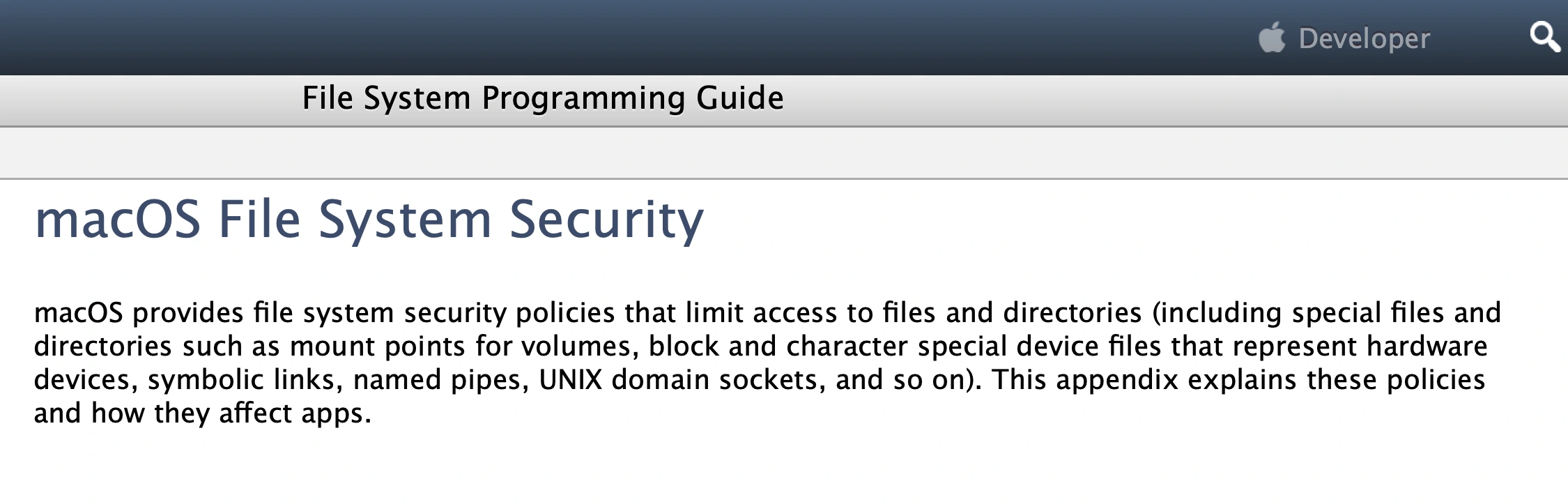
Screenshot: Apple’s archived file-system guide, captured November 20, 2026. Permission information must be inspected separately from a content digest.
Our test: five states shared one digest
On macOS 15.7.5, November 20, 2026, we created an artificial text file containing VaultDog sample bytes followed by a newline. We changed only this disposable fixture and used the Mac's installed shasum to record each result.
| Step | Observed SHA-256 prefix | What changed |
|---|---|---|
| Create the sample | f48d2a7f30a0a9fc | Initial bytes, mode 644 |
| Add a custom extended attribute | f48d2a7f30a0a9fc | A separate attribute held “amber” |
| Set permission mode to 600 | f48d2a7f30a0a9fc | Group and other access bits changed |
| Set a different modification time | f48d2a7f30a0a9fc | Timestamp changed |
| Rename the file | f48d2a7f30a0a9fc | Path name changed |
| Replace the text contents | ffe99e01bb81b997 | The bytes changed |
The table shortens the digests for readability; we compared and retained the full 64 hexadecimal characters, not just these prefixes. Each hash command succeeded. The attribute was named dev.vaultdog.editorial.note; it was a custom test value, not a modification to quarantine or a system permission.
The experiment establishes a concrete blind spot: a content hash remained unchanged across those filesystem changes. It does not establish how every copier preserves attributes, how a cloud provider syncs them, or how an archive stores them. Those require their own tests.
Inspect only the attributes relevant to the problem
For two ordinary files, this is a useful read-only sequence:
- Run the same
shasum -a 256command on both files. - Use
ls -l "/path/to/file"to inspect the basic permission mode. - Use
ls -le "/path/to/file"when an access-control list may matter. - Use
xattr -l "/path/to/file"to inspect extended attributes. - Check the relevant dates in Finder's Get Info, or use
statand consultman statfor the installed Mac's fields.
Our guide to the @ and + markers in Mac file listings explains why the short permission string is not the whole story. A blank extended-attribute listing does not say anything about embedded document metadata.
Record errors alongside the comparison. If one file cannot be read, you do not yet have two comparable results. If the file is changing while you inspect it, pause the relevant activity when practical and make a new observation. A hash is an observation of the bytes read, not a history of earlier edits.
Keep the conclusion narrower than the evidence
A matching digest does not identify who created a file, prove that an app is safe, or establish that an entire application bundle is unchanged. An app bundle contains multiple files; code-signature verification asks a different question from hashing one selected file.
Similarly, an archive's checksum covers the archive's own bytes. If metadata is encoded inside that archive, those encoded bytes participate in its checksum. Do not compare an archive digest with the digest of an extracted member and expect them to match.
For before-and-after installation comparisons, decide in advance whether you need paths, file contents, particular attributes, or all three. A content-only report can be useful as long as its scope is explicit.
If two copies hash identically but behave differently, preserve both copies and investigate the relevant attribute or surrounding context. Do not strip every extended attribute merely to make the files look alike. The defensible conclusion is specific: the compared content digests matched; these separately inspected properties did or did not match.


